Flat Fee for Job or Lump Sum Payments
How do I add work that isn't hourly but based on work done?
Last updated About 1 year ago
How do I enter lump sum, piece-rate, piecemeal or flat fee payments that are not hourly but instead based on work done?
We actually have a feature that should help you out, called ‘Flat fee’.
Flat fee on the mobile apps:
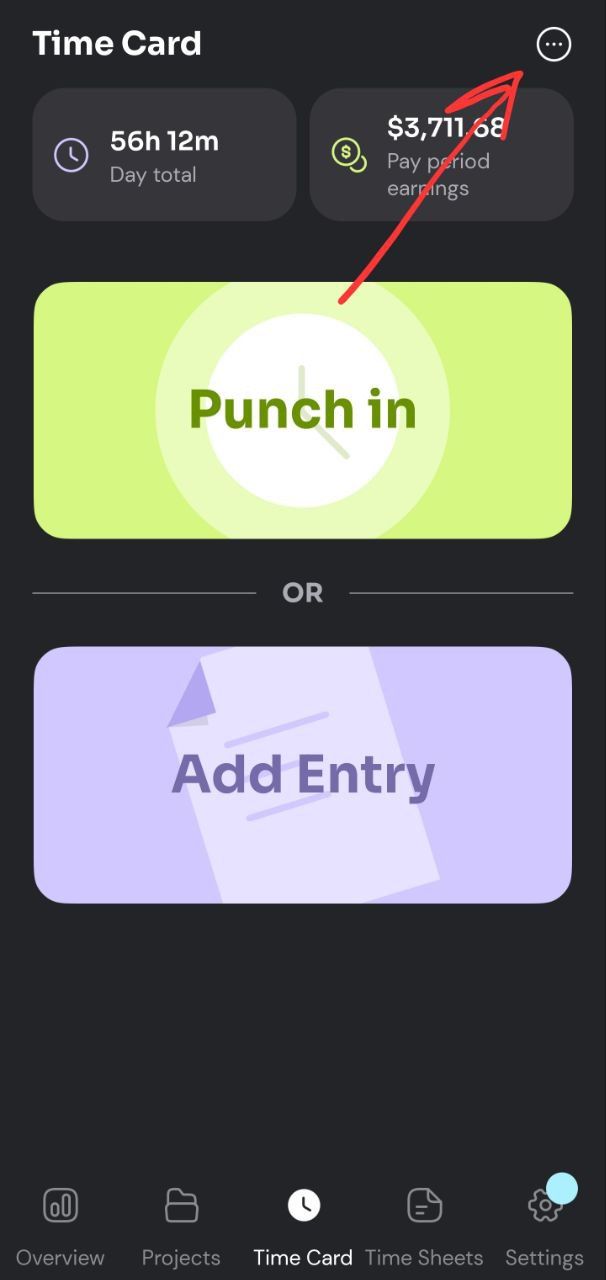
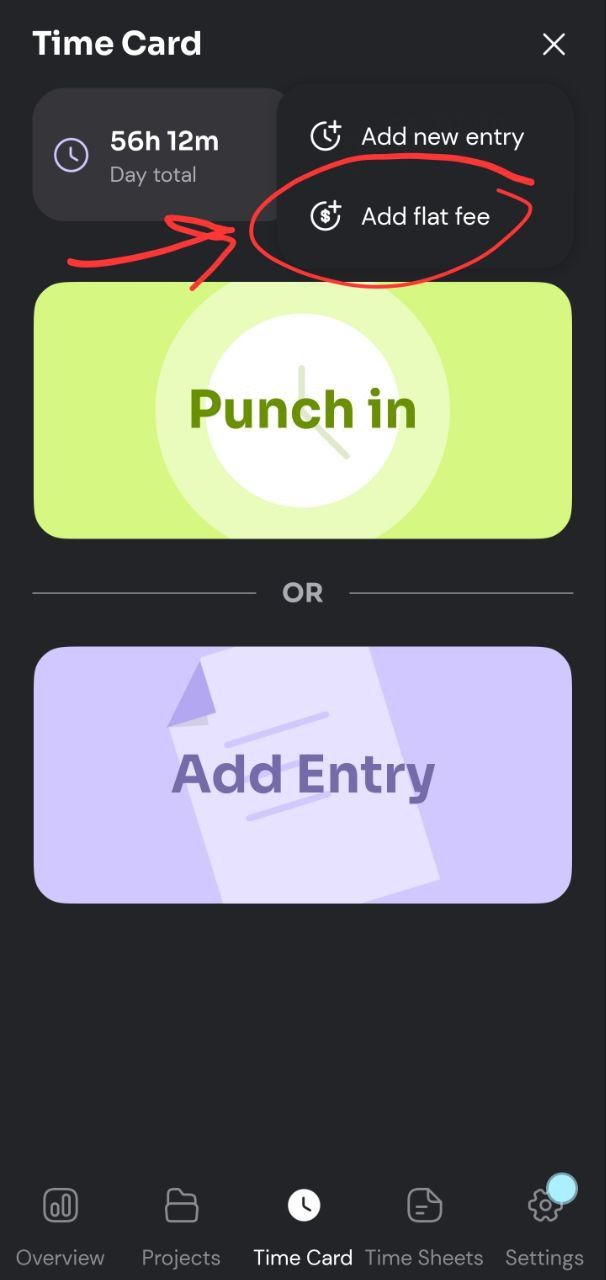
In the Time Card or Time Sheets tabs, you can select ‘Add flat fee’ from the three dot menu on the top right of the screen.
Flat fee on the web app:
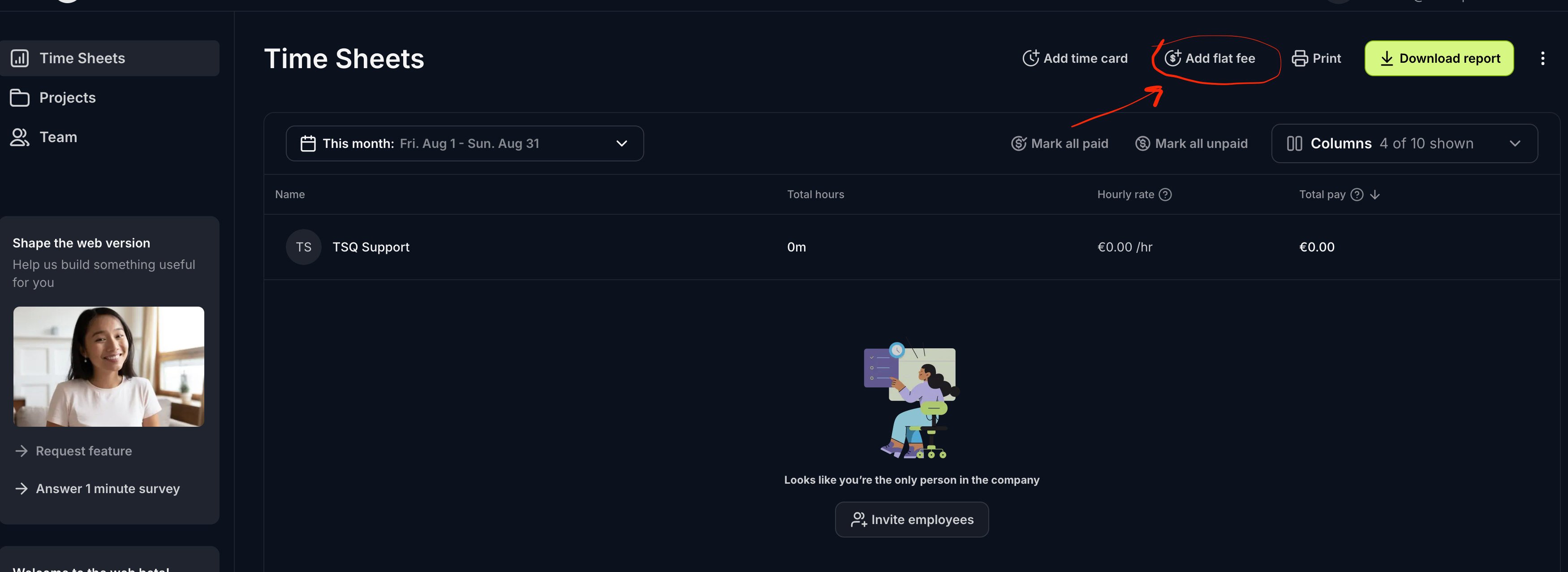
In the Time Sheet tab, you can select ‘Add flat fee’ from the top right of the screen.
This would allow you to add a lump sum payment. You can add in pay for a day or per installation/service type depending on how detailed you want to get.
Was this helpful?
Still need help? Share an idea